Interview notes, without the typing.
Stay with the candidate, not your notes. Upshot records the interview and writes up their answers, strengths and concerns.
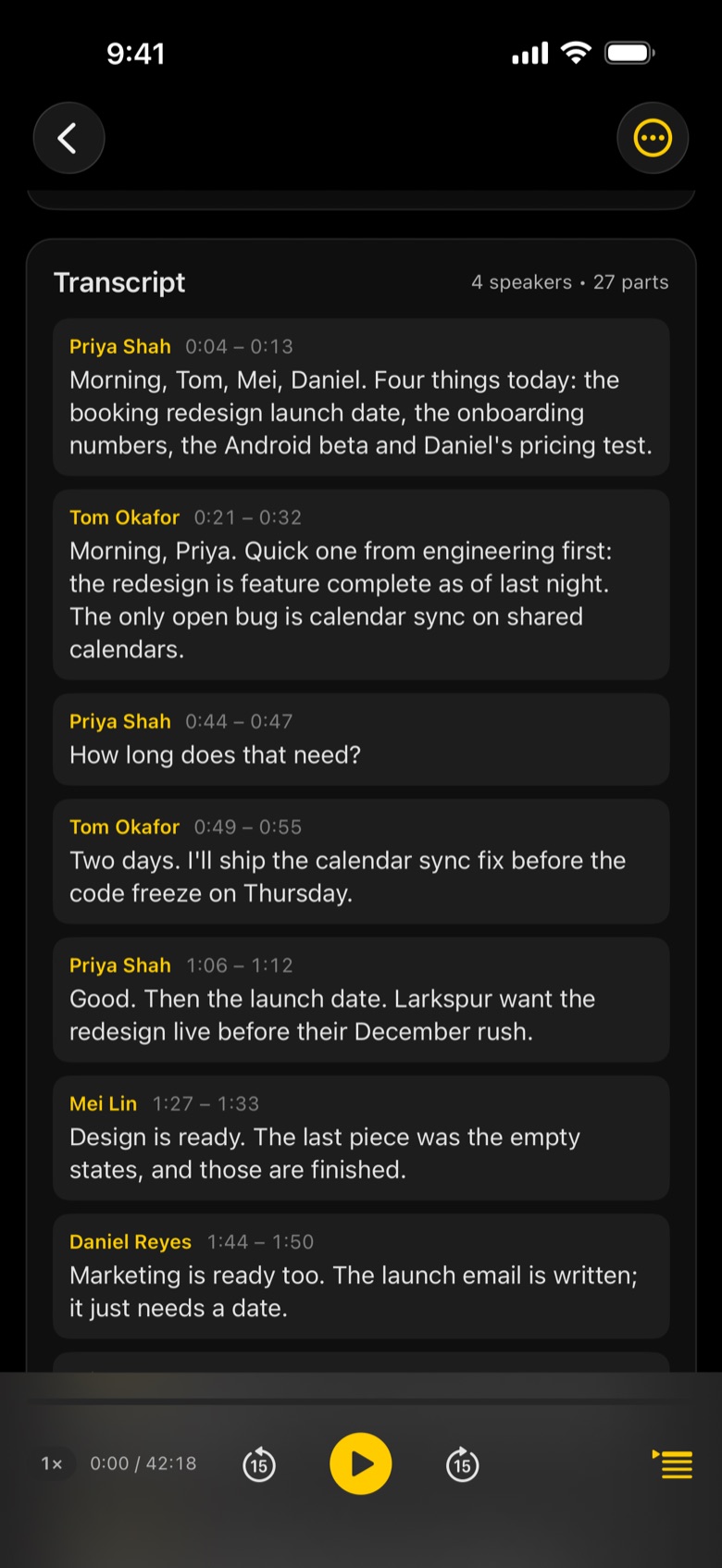
What Upshot captures in an interview
- Candidate answers, question by question
- Strengths and concerns drawn from what was said
- Who said what: interviewer and candidate kept apart
- Tap any line to hear the exact answer again
- Ask the interview: "What did they say about leading a team?"
- Share the write-up with the hiring team, or export to Word or PDF
Tap record
Start before the meeting does. Upshot keeps going with the screen locked.
Upshot writes it up
Transcript by speaker, then notes laid out for the meeting, minutes after it ends.
Share or ask
Email the minutes, export to Word, PDF or Markdown, or ask the meeting a question.
Should I tell candidates I am recording?
Yes. Always tell people in a meeting that it is being recorded, and get their consent where the law requires it.
Where are interview recordings kept?
Recording, transcription and notes by Apple Intelligence happen on your device. Nothing leaves it unless you share it, turn on iCloud Sync, or connect your own AI with Upshot Basic.
Can I tailor what the notes focus on?
Yes. With Upshot Basic you can write your own guidance for interviews, for example your scoring criteria, or add your own meeting types such as "Technical interview".