Decisions, risks and owners.
For the meetings that matter most: Upshot writes up decisions, risks, owners and next steps, and keeps them on your device.
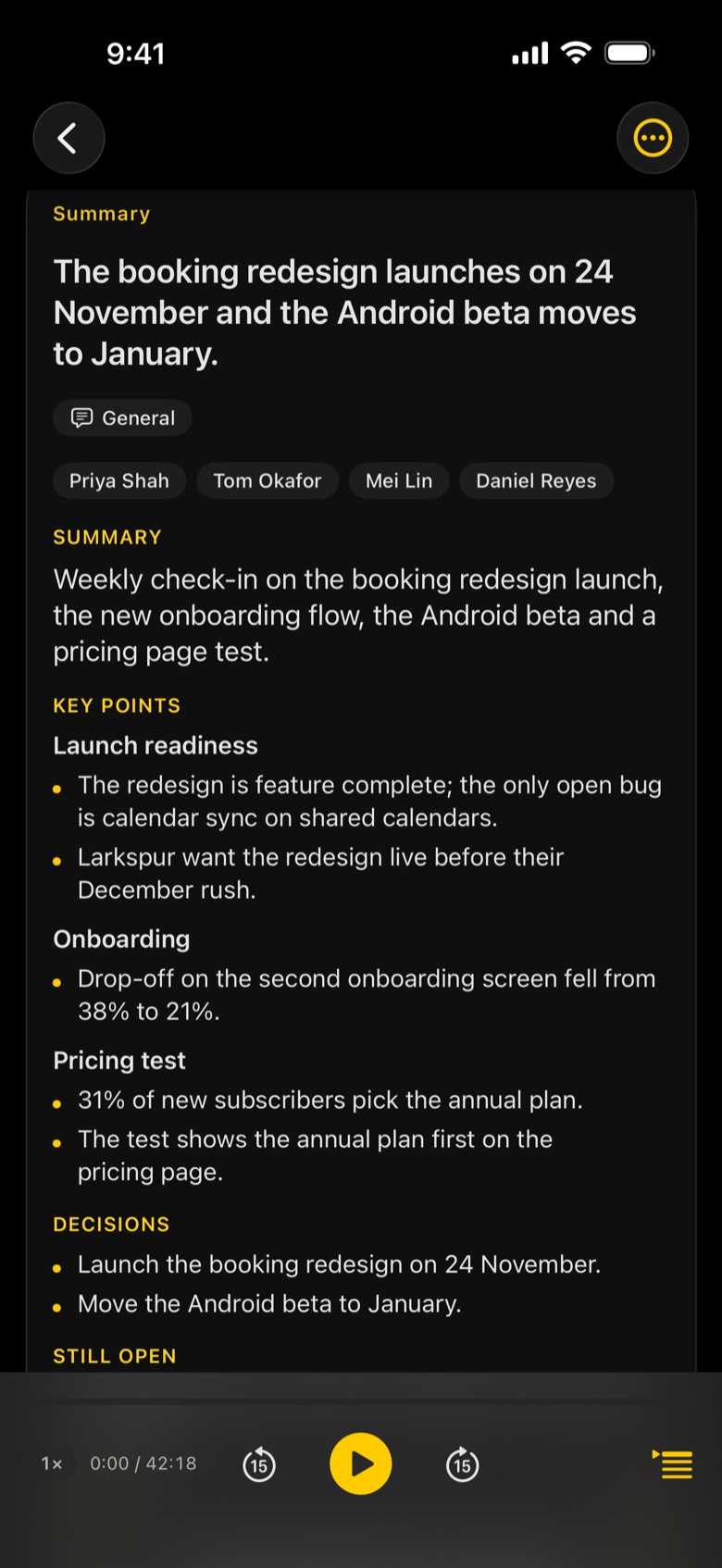
What Upshot captures in a leadership meeting
- Decisions, checked against the transcript
- Risks raised
- Owners and next steps
- Private by design: no Upshot servers
- Your own guidance with Upshot Basic, for how your board likes its minutes
- Your company's AI server with Upshot Basic, if IT prefers it
Tap record
Start before the meeting does. Upshot keeps going with the screen locked.
Upshot writes it up
Transcript by speaker, then notes laid out for the meeting, minutes after it ends.
Share or ask
Email the minutes, export to Word, PDF or Markdown, or ask the meeting a question.
Is Upshot suitable for confidential meetings?
Recording, transcription and notes by Apple Intelligence happen on your device. Nothing leaves it unless you share it, turn on iCloud Sync, or connect your own AI with Upshot Basic.
Can we use our own AI?
Yes, with Upshot Basic: connect your own Claude or ChatGPT key, or your company's AI server over HTTPS. Transcripts go only to the one you pick.
Can the notes follow our own format?
Yes, with Upshot Basic. Write your own guidance for any meeting type, or add your own types such as "Board meeting".