Private by design
AI meeting notes that stay yours.
Most AI note takers send your meetings to their servers. Upshot records, transcribes and writes up on your device.
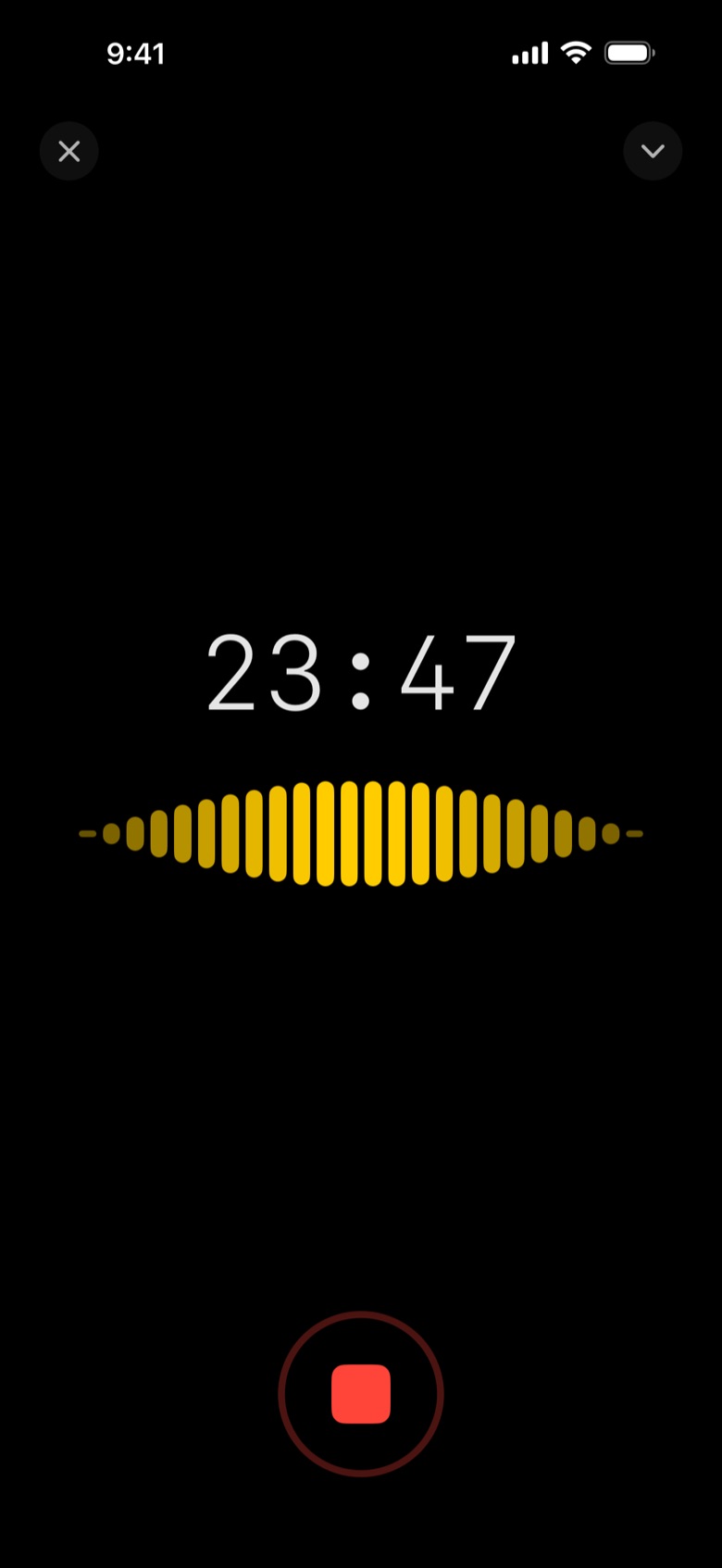
How Upshot keeps meetings private
- On-device transcription and speaker recognition
- Notes by Apple Intelligence on your device
- No account, no Upshot servers, no analytics or tracking
- iCloud Sync is optional and goes to your own private iCloud
- Your own AI only if you choose: Claude, ChatGPT or your company server with Upshot Basic
- Recordings excluded from iCloud Backup and protected by your device
01
Tap record
Start before the meeting does. Upshot keeps going with the screen locked.
02
Upshot writes it up
Transcript by speaker, then notes laid out for the meeting, minutes after it ends.
03
Share or ask
Email the minutes, export to Word, PDF or Markdown, or ask the meeting a question.
Questions
Does Upshot upload my meetings?
No. Upshot has no servers that receive your audio, transcripts or notes. Data leaves your device only if you share it, turn on iCloud Sync, or connect your own AI provider.
Does it work with Apple Intelligence?
Yes. Free notes and Ask use Apple Intelligence on your device.
Where can I read the details?
In the privacy policy.