Better one-to-ones, nothing forgotten.
Give the other person your full attention. Upshot writes up the topics, feedback, commitments and follow-ups.
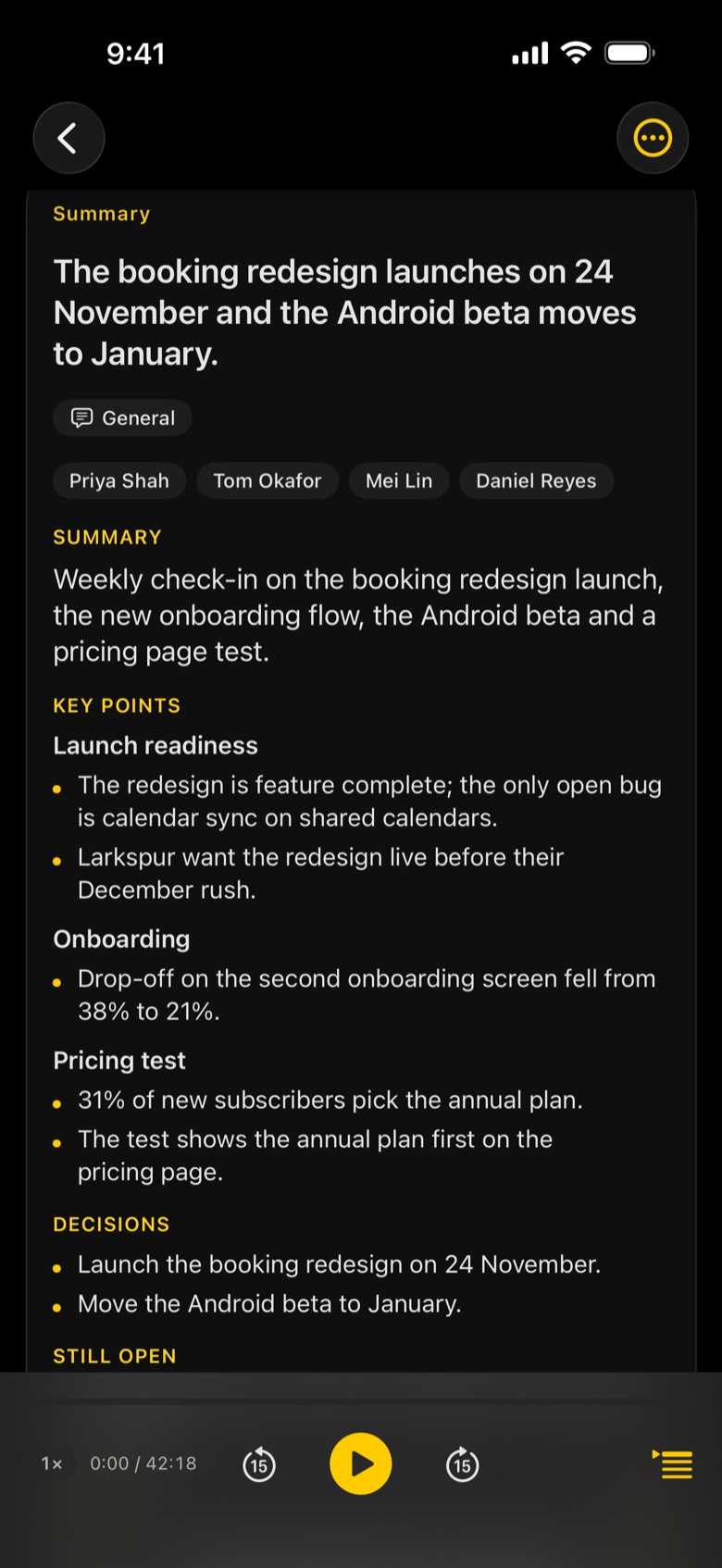
What Upshot captures in a one-to-one
- Topics you covered
- Feedback, given and received
- Commitments from both sides, with owners
- Follow-ups to Reminders or Calendar in a tap
- This is me: Upshot knows which voice is yours
- Private by design: personal conversations stay on your device
Tap record
Start before the meeting does. Upshot keeps going with the screen locked.
Upshot writes it up
Transcript by speaker, then notes laid out for the meeting, minutes after it ends.
Share or ask
Email the minutes, export to Word, PDF or Markdown, or ask the meeting a question.
Is a one-to-one recording private?
Recording, transcription and notes by Apple Intelligence happen on your device. Nothing leaves it unless you share it, turn on iCloud Sync, or connect your own AI with Upshot Basic.
Can I see what we agreed last time?
Yes. Every meeting is in your library, grouped by day and searchable. With Upshot Basic you can ask one question across a group of meetings.
How does Upshot know which person is me?
Mark your own voice with This is me. Upshot remembers it and shows you as (you) in later meetings.